- SEO
- AI Search
- Business Advice
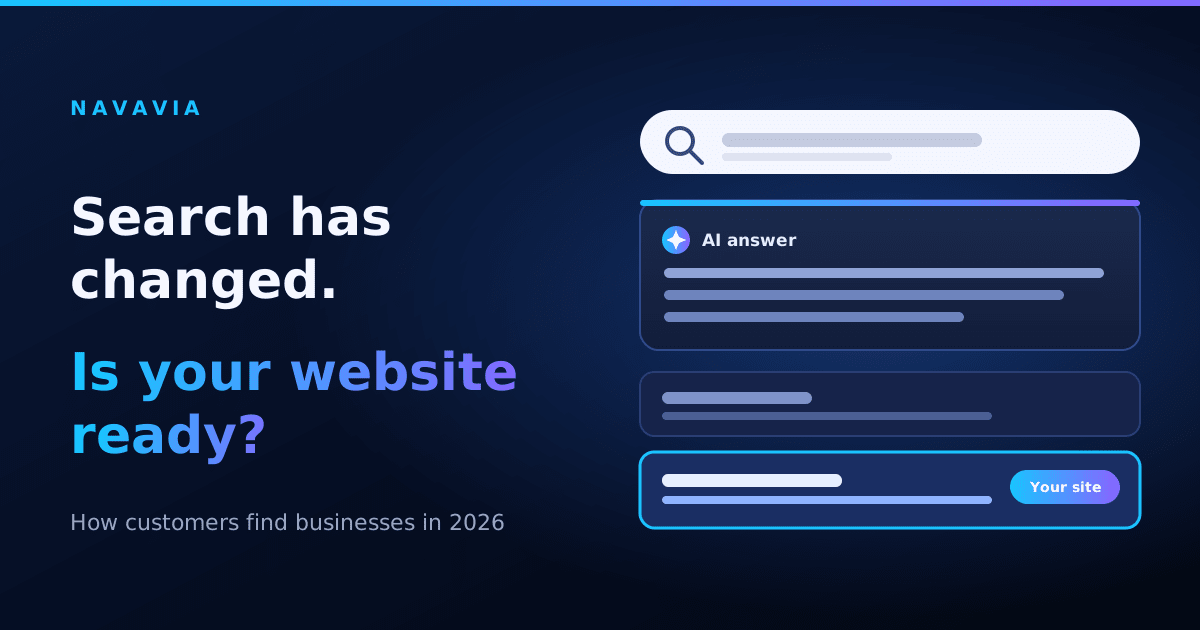
Search Has Changed
Many Google searches now show an AI-written summary at the top. Customers get a quick answer and often never open a website.
A Pew Research Center study, as reported by Entrepreneur, found that users clicked a regular search result 8% of the time when an AI summary appeared, compared with 15% when it didn’t. The study is based on US users, but the same shift is reaching India.
The same report notes that most AI summaries cite three or more sources. So AI pulls from many places, not only your website.
What This Means for Small Businesses
You still need a website, but it has to work differently. People who do click are often closer to a decision. And AI tools will only mention you if your information is clear and found in more than one place.
1. Answer Questions Clearly, Near the Top
AI tools pick pages that answer a question directly. Don’t bury the answer in long text.
For each service page, write a short, plain answer to the main question a customer would ask, in the first two sentences. For example: what you do, who it’s for, and where you work.
2. Write the Way Customers Talk
Customers now ask full questions, like “Which developer builds a website I can update myself?” and not only short keywords.
Look at the questions customers send you on WhatsApp, email and calls. Turn the common ones into short pages or an FAQ, using their own words.
3. Be Consistent Everywhere
Because AI draws on many sources, your business details should match across your website, Google Business Profile, social media and directories. Use the same name, services and contact details everywhere, and collect real customer reviews.
4. Build for Mobile First
Indian small businesses run on phones. In a PayNearby survey of 10,000 individuals and MSMEs, 71% of respondents said they use smartphones to run their business, and about 48% use UPI as their main payment method.
Your customers are the same. Make sure your website loads fast on a phone, is easy to tap and read, and has a clear call or WhatsApp button.
5. Keep Your Content Fresh
A website you can update yourself stays accurate: prices, offers, photos and new services. Search tools and customers both trust a site that looks alive. This is why every Navavia project comes with an admin panel.
A Simple Starting Plan
Rewrite your main page so it answers “what do you do and for whom” in the first two sentences.
Add an FAQ with 5 real customer questions.
Make your business details identical on your website, Google Business Profile and social pages.
Test your site on a phone.
Ask recent customers for honest reviews.
Getting Started
At Navavia, we build fast, mobile-friendly websites and apps that you can manage yourself. If you’d like help making your site ready for how people search today, get in touch.
Related posts
How to Manage Your Own Website Without Hiring a Developer
Most business owners pay a developer for changes they could make themselves in two minutes. Here's what you can handle on your own, and what to ask for before your site is built.
- Website
- Admin Panel
- Business Advice
Website or Mobile App: Which Does Your Business Actually Need?
Not sure whether your business needs a website, a mobile app, or both? Here's how to decide based on what your customers actually do, not what sounds impressive.
- Website
Tell us what you want to build.
Share the idea in a few lines. We will reply within 24 hours.
Start a project